
How to Create a Survey Research for FREE
In the past, running surveys required costly software or professional research agencies. Today, that barrier is gone. Modern online platforms let anyone – from students to business owners – create, distribute, and analyze surveys with no coding or upfront payment required.
Among the most practical options are SurveyNinja and Formstack — two platforms that can help users start collecting structured feedback without building anything from scratch. They approach free survey research differently: SurveyNinja is focused on survey creation, logic, analytics, and research workflows, while Formstack is better known as a broader no-code form and workflow platform.
Both tools can support small research projects, but the right choice depends on what you need most: a dedicated survey builder with built-in response analysis, or a form-based system that fits into a wider business workflow.
Industry reviewers and data professionals have consistently highlighted how free plans in these tools can serve real research purposes, giving individuals and small teams access to the same data-driven capabilities that were once reserved for enterprise users.
Let’s explore how you can build and launch your own survey research – step by step – without spending a cent.
What “Free Survey Research” Really Means
Free survey research does not mean collecting random answers from anyone who agrees to click a link. It means using a simple, low-cost method to understand a real audience, test an assumption, or collect feedback before making a business, product, or marketing decision.
For a small business, a free survey can answer practical questions: why visitors leave a website, what stops people from buying, which service package feels more attractive, what content users want to see, or how satisfied customers are after a purchase. For a student or educator, it can support coursework, classroom feedback, or a small academic project. For a nonprofit, it can help understand community needs before launching an initiative.
The key is to treat the survey as a research tool, not just a form. A contact form collects information from one person. A survey helps you see patterns across many responses. Even 30–50 thoughtful answers can reveal repeated objections, confusing parts of a website, common customer needs, or early signs of demand for a new idea.
Before creating the survey, define one main goal. Do not try to research everything at once. A customer satisfaction survey should not also become a pricing study, branding test, demographic questionnaire, and product roadmap discussion. When a survey tries to answer too many questions, respondents get tired and the final data becomes harder to interpret.
A better approach is to start with one clear research question. For example: “Why are visitors not completing the contact form?” or “Which feature matters most before someone chooses our product?” Once the main question is clear, every survey question should support that goal.
Step 1 — Define Your Research Goal
Before choosing a tool or writing your first question, clarify what you want to learn. Are you measuring customer satisfaction, testing a new idea, or collecting demographic data? The clearer your goal, the easier it will be to design a survey that yields useful answers.
Think in terms of decisions: what will I do with the data?
For instance:
- A marketing team might test how customers perceive a new campaign.
- A teacher might measure student engagement or course satisfaction.
- A nonprofit might gather community feedback before launching an initiative.
A useful research goal should be specific enough to guide the structure of the survey. “Learn more about customers” is too broad. “Understand why trial users do not upgrade after the first week” is much stronger because it points directly to the audience, the behavior, and the decision the data should support.
This is also the stage where you should decide who should answer the survey. Existing customers, website visitors, students, newsletter subscribers, event participants, and lost leads can all provide useful feedback, but they should not always receive the same questionnaire. A short survey sent to recent customers may focus on satisfaction and service quality, while a website pop-up survey may ask what information is missing from the page.
Both SurveyNinja and Formstack include ready-made templates that guide you through this planning phase. You can start from a blank page or adapt an existing form designed for business, education, or research contexts.
Step 2 — Choose the Right Free Platform
Choosing the right platform is the foundation of successful research. You need a tool that combines flexibility with reliable data collection – and most importantly, doesn’t lock key features behind a paywall.
Let’s take a look at how SurveyNinja and Formstack support free survey research.
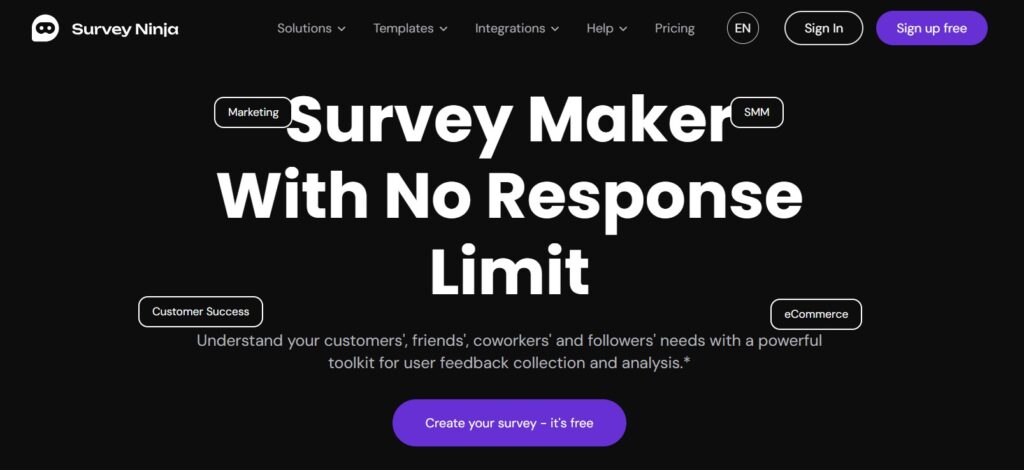
SurveyNinja is built for teams and individuals who want to create surveys quickly, distribute them, and interpret results without building a system from scratch. In small research projects, the main advantage is that you’re working inside a survey-first environment—so the workflow stays straightforward.
The platform is especially useful when you want to create a focused questionnaire, share it quickly, and review responses in a clear visual format. SurveyNinja also highlights features such as logic jumps, detailed summary and analysis, adaptive design, sharing, exports, incomplete response tracking, and integrations with tools like Google Sheets and Slack.
For students, educators, startups, and small businesses, this makes SurveyNinja a practical choice for feedback collection, customer research, course evaluations, early product validation, and website surveys. It is not necessary to start with a complex research system. In many cases, a short, focused survey with clear analytics is enough to make a better decision.
Industry experts have also reviewed SurveyNinja as a modern survey builder for collecting and processing user feedback, noting templates, real-time reporting, analytics, and integrations as useful features for businesses, educators, and researchers.
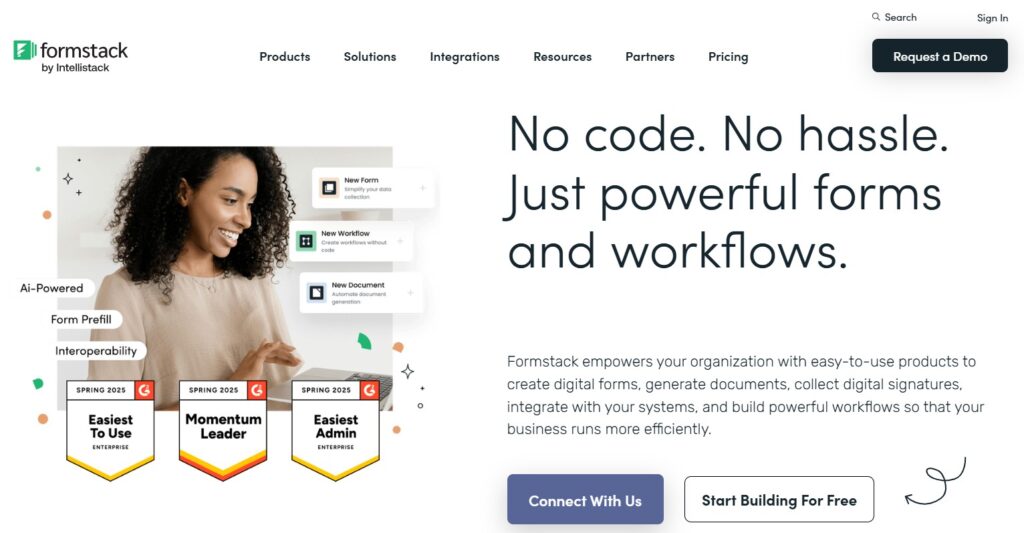
Formstack is best known as a broader no-code platform: forms, document generation, e-signatures, and workflow automation. That matters because it frames how you should evaluate it for “free survey research.”
Unlike dedicated survey-first tools, Formstack is often chosen when the form is only one part of a larger workflow. For example, a response can support a sales process, onboarding flow, document request, or internal review. This makes it practical for businesses that already think in terms of data routing and process automation.
For simple research tasks, Formstack can help users create structured forms, organize answers, and connect collected data with other business tools. However, users should check the current plan details before relying on it for free long-term research, because Formstack’s public website promotes a free trial and broader workflow products rather than a permanently free survey workspace.
In this comparison, Formstack is strongest when the survey is part of an operational workflow. SurveyNinja is stronger when the main goal is to create, distribute, and analyze surveys in a more focused research environment.
Step 3 — Design Your Survey
Once you’ve chosen your platform, the next step is designing questions that align with your goals. Good survey design is all about clarity and flow. Use simple, unbiased language and avoid double-barreled questions (“How satisfied and loyal are you?” should be two separate items).
Tips for effective survey design:
- Keep it short – ideally under 10 questions.
- Mix question types: multiple choice, scales and open-ended fields.
- Use logic to skip irrelevant sections based on previous answers.
- Preview your survey before sharing it to ensure smooth navigation.
Both SurveyNinja and Formstack provide templates with built-in question logic, making it easy to structure your research professionally even if you’re new to survey design.
Common Survey Design Mistakes to Avoid
A free survey tool can help with structure and distribution, but the quality of the data still depends on the quality of the questions. Poorly written questions can make even a large number of responses difficult to use.
The first common mistake is asking leading questions. A question like “How much did you enjoy our excellent new service?” pushes the respondent toward a positive answer. A better version is neutral: “How would you rate your experience with our new service?”
The second mistake is combining two questions into one. For example, “How satisfied are you with our pricing and support?” creates confusion because someone may like the support but dislike the pricing. These should be separate questions.
The third mistake is making the survey too long. When users see too many questions, they either abandon the survey or answer quickly without much thought. For most free research projects, a short survey with 5–10 strong questions is better than a long questionnaire with weak completion rates.
The fourth mistake is ignoring open-ended feedback. Multiple-choice questions are easier to analyze, but one or two open text fields can reveal language, objections, and ideas you did not expect. This is especially useful in marketing research because customers often describe problems differently from how businesses describe them.
Finally, avoid collecting data you will not use. Every question should have a purpose. If the answer will not influence a decision, improve a campaign, clarify a customer need, or support a report, it probably does not belong in the survey.
Step 4 – Collect and Analyze Results
After building your survey, it’s time to share and analyze. Both platforms make this process smooth and data-driven.
Collecting Data
You can share your survey through a direct link, embed it on a website, or send it via email or social media. Responses update in real time, so you can monitor engagement as it happens.
Analyzing Data
SurveyNinja offers detailed analytics dashboards that visualize responses instantly. You can track completion rates, identify patterns, and download results for further processing.
Formstack, meanwhile, provides simpler summary charts and allows CSV exports for manual review in Excel or Google Sheets.
Both tools can help you transform raw feedback into insights, but SurveyNinja’s built-in analytics give it a clear advantage for research that requires immediate interpretation and visual reporting.
How to Turn Survey Answers Into Decisions
Once responses start coming in, do not focus only on the average score. Averages can be useful, but they often hide the most important details. Look for patterns across segments, repeated phrases in open answers, and differences between groups of respondents.
For example, if new customers rate onboarding lower than long-term customers, the problem may be the first-touch experience rather than the product itself. If website visitors repeatedly mention missing pricing information, the solution may be to improve the landing page rather than change the offer. If students say that lessons are useful but too long, the next step may be changing the format, not the curriculum.
It also helps to separate findings into three categories: what is working, what is confusing, and what needs action. This simple structure makes the results easier to present to a team, client, teacher, or manager.
The final output does not need to be complicated. A short report can include the research goal, number of responses, key charts, three to five main findings, and recommended next steps. The value of survey research is not in collecting responses. The value is in making a better decision because of those responses.
Step 5 — Present and Apply Your Findings
The final step of any survey research is turning data into action. Once you’ve gathered responses, summarize your findings in clear, visual reports. Look for trends – what do respondents agree on? Where are the gaps?
SurveyNinja makes this step easier with exportable charts and automated summaries, helping you create presentations directly from your dashboard. Formstack users can generate simple reports or integrate with third-party visualization tools if needed.
No matter which platform you use, the key is not just collecting data – but using it to guide real decisions.
Conclusion
You can run meaningful survey research without paid software or a research agency—as long as you focus on structure. Start with one clear goal, target the right audience, keep questions neutral, stay short, and analyze the results with a decision in mind.
SurveyNinja is the stronger choice when you want a dedicated survey workflow: a focused questionnaire, logic for clean flow, and readable analysis for small research projects. Formstack makes more sense when survey-like data collection is part of a broader business process—intake, onboarding, documentation, or workflow automation.
If this is your first free survey research project, keep it simple: one focused questionnaire, enough responses to see patterns, and one clear action you’ll take based on what you learn.